3.3. System Payment Summary Guide
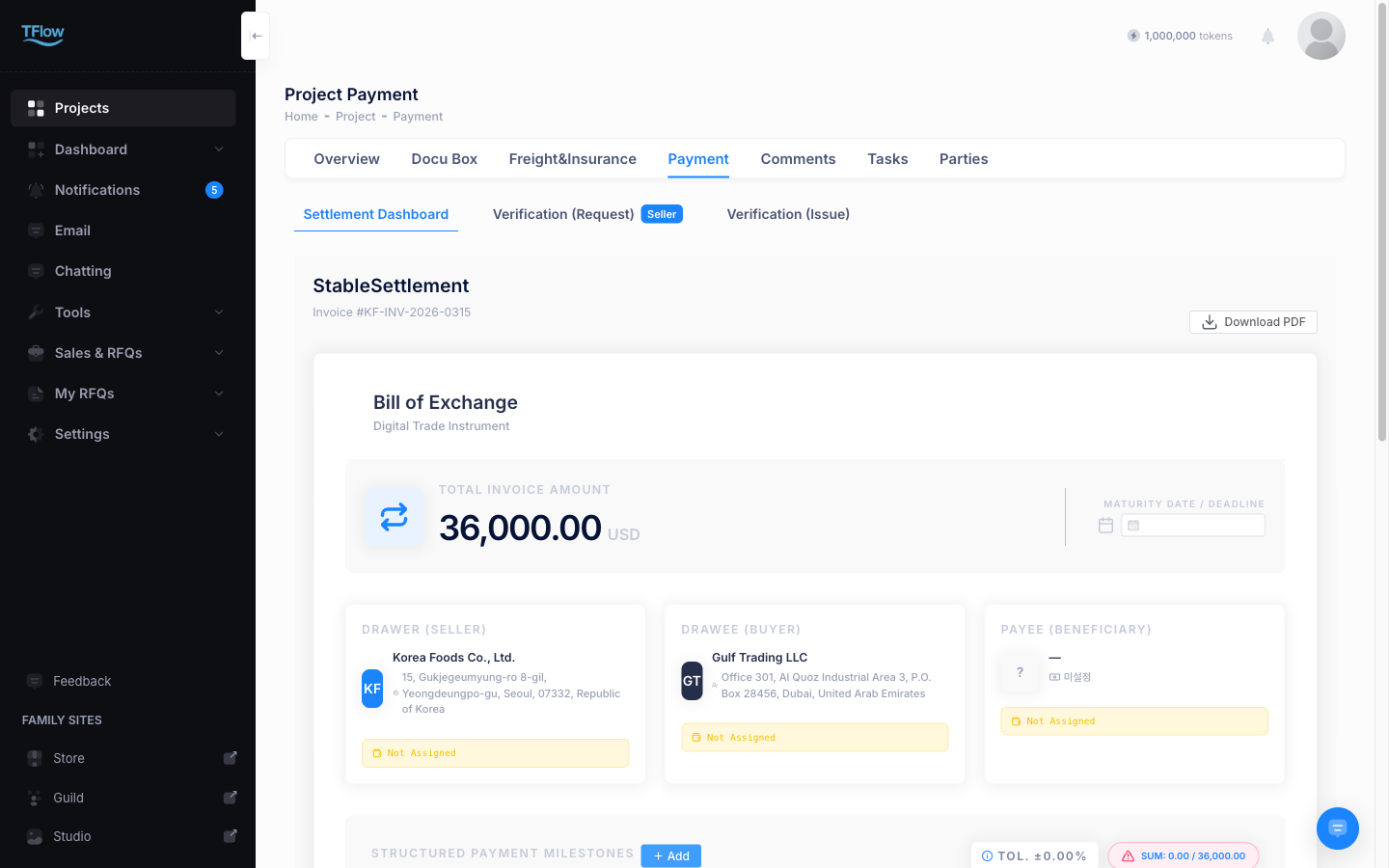
This dashboard provides integrated monitoring of the status and amounts of escrow and general transfer transactions across the company, and issues receipts.
1. Reviewing Payment Records and Status
- Date Range view: You can check total trade payment statistics for this month, the previous month, or a specific quarter.
- Transaction type index: Transaction codes are divided by nature, such as
Transfer,Escrow Lock, andPoF Mint. - TX Hash monitoring: Shows the unique transaction hash (Tx Hash) actually sent to the XRPL blockchain. Clicking this value opens a public block explorer so you can cross-verify transparency.
1-1. Payment Summary Troubleshooting (FAQ)
- Q: "It says there is no TX Hash (unique transaction number) for a completed payment."
- A: Either the paying side has not finished signing in their wallet, or the transfer stopped because the wallet balance or the network fee was insufficient. If the status is
Pending, ask the company's payment owner — the person who started that payment — to finish signing in their wallet.
- A: Either the paying side has not finished signing in their wallet, or the transfer stopped because the wallet balance or the network fee was insufficient. If the status is
- Q: "I want to print a receipt as evidence for a completed item."
- A: Once the status is finally
Completed, click "Download Receipt (PDF)" inside the three-dot options menu on the far right of each row. As long as your browser isn't blocking popups, it will download normally.
- A: Once the status is finally
- Q: "Can I export the full list in Excel (CSV) format to give recurring-payment or transaction records to the accounting team?"
- A: Currently, large-scale Excel/CSV export is not supported. You need to download the individual Receipt or Invoice shown on screen for each payment and pass it to the accounting team. (A full-list export feature is planned for a future update.)